
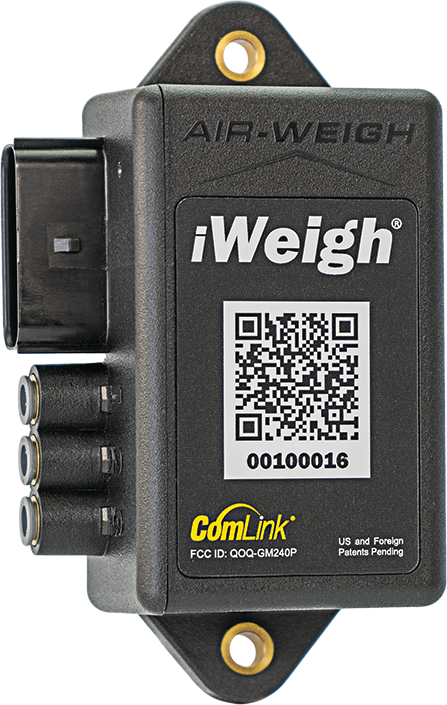
The iWeigh® module
iWeigh fits trucks, trailers and tractor-trailers, including doubles, B-trains and heavy haul, on air ride or spring suspension. One module takes up to 3 air sensors and 4 mechanical sensors, so a vehicle with mixed suspensions runs on a single unit.
- Steer, drive, trailer and gross weights, in 20 lb increments
- IP67-rated housing, mounted on the outside of the vehicle
- Updates over the air as new features are added
- Pairs a tractor with each trailer it pulls, for drop-and-hook fleets
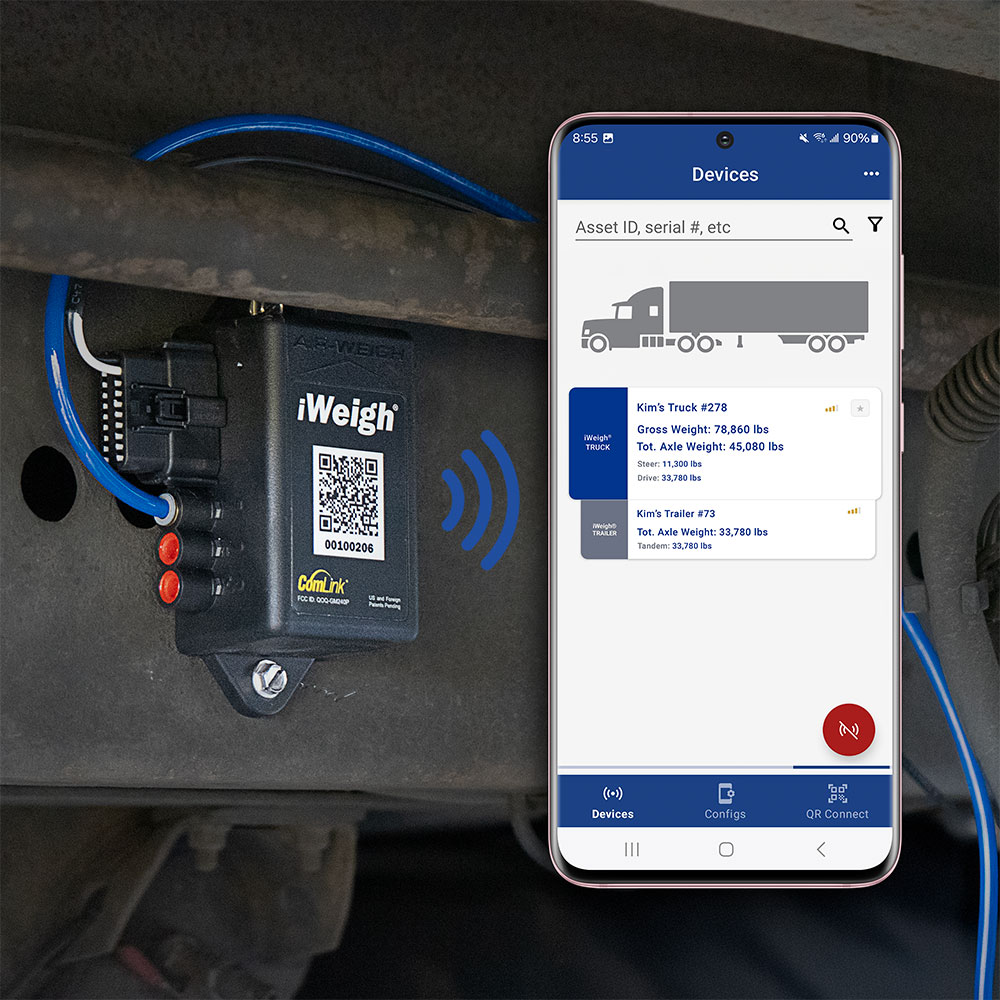
The free Air-Weigh app
Over Bluetooth 5.4, the free Air-Weigh app shows the driver each axle group as the truck loads, from the seat or from beside the loader, up to 100 feet from the truck.
- Steer, drive, trailer and gross weights in real time
- Set up and calibrate the scale from the phone
- Diagnostics that pinpoint calibration errors and technical issues
- Free for Android and iOS





The Air-Weigh cloud
The cellular modem in iWeigh sends each weight to the Air-Weigh cloud as the truck loads, and the cloud passes it to the telematics, routing and workflow platforms your fleet already runs.
The same reading tells dispatch, billing and routing what each truck is carrying.
Telematics partners
In a Platform Science workflow, one button drops the axle weights into the driver’s form. On Geotab, the weights sit in the portal beside the rest of the truck’s data.
iWeigh also puts the weights on the CAN bus (SAE J1939), and partner systems collect them by API, Bluetooth, J1939 or RS-232, depending on the system.
Integration partners



LoadMaxx® compatibility
Fleets running LoadMaxx® and LoadMaxx Plus® can move to iWeigh LoadMaxx Compatible model by model, and Air-Weigh plans the transition with them.
- FSK hardware keeps iWeigh backward compatible with LoadMaxx systems
- Optional micro-display for a compact in-dash readout
- Bluetooth connection to phones for viewing weights and calibrating
- Works with existing air-ride and mechanical setups, including tractors, straight trucks and multi-trailer combinations
Existing LoadMaxx® units keep their support and warranty coverage.

Find the iWeigh® kit for your vehicle
The iWeigh® Selection Guide asks about the vehicle and builds the parts list for it, which you can save as a PDF or email.
Transform Your Weighing Experience
OUR SALES & SUPPORT TEAMS ARE HERE TO HELP!
Call or email us and we’ll find the on-board scale solution that’s right for you. From scale selection and installation through calibration and best practices, we are with you for the long haul!
Contact Form
Contact one of our fleet specialists who can answer questions and help find the on-board scale that’s right for you. We will walk you through the selection, installation, and calibration of the perfect solution for your fleet.